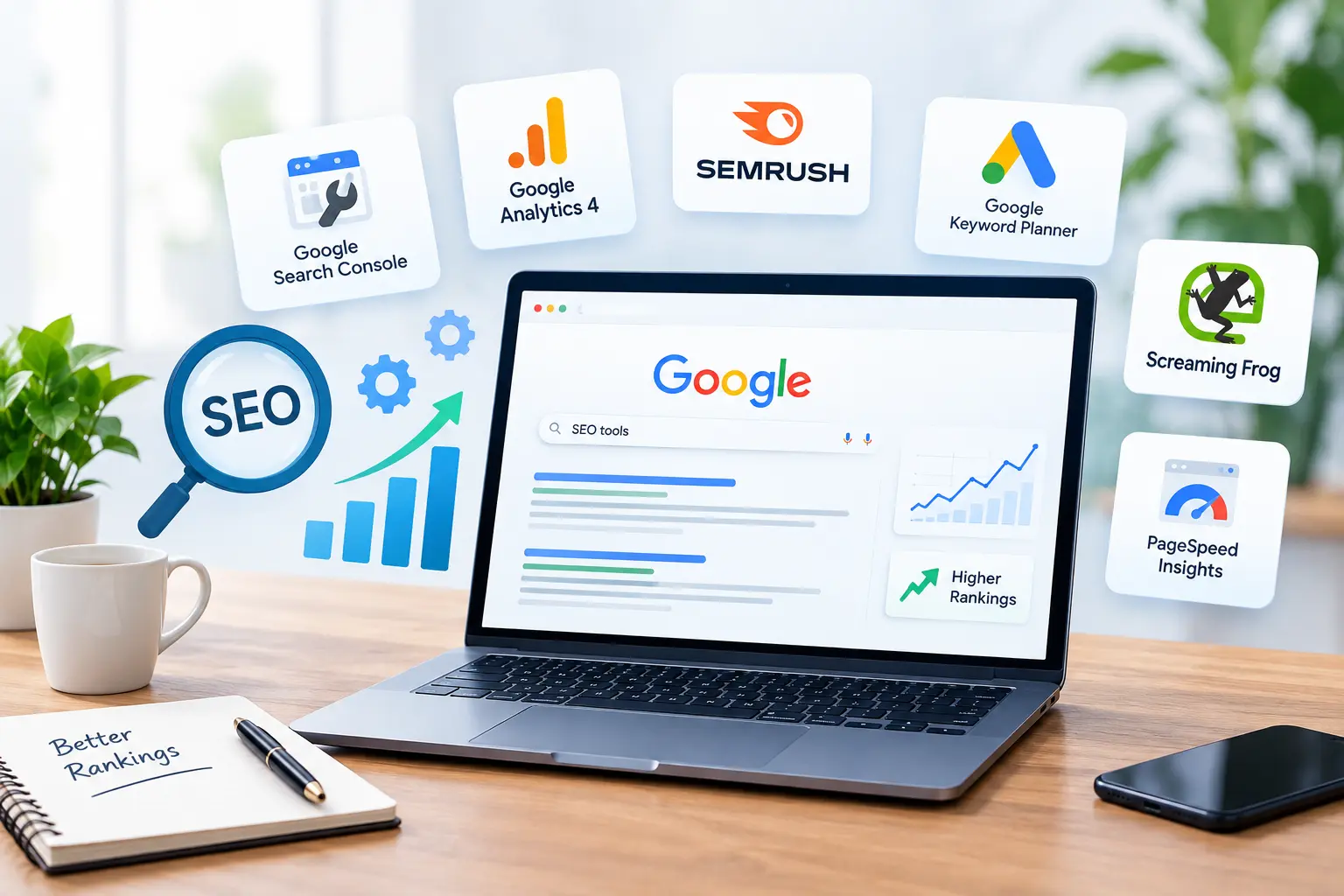
Here’s something most SEO guides won’t tell you: you don’t need 30 tools to rank on Google. Most of the SEO professionals we know use the same handful, day after day.
The problem is that the market is crowded. Every tool promises to “boost your rankings,” and it’s hard to tell which ones actually earn their place and which just drain your monthly budget.
We’ve been doing SEO at Holinex since 2010. Tools have come and gone in that time, and we’ve paid for plenty that we stopped opening after a month. The ten below are the ones that stuck. Some are free, some aren’t cheap, and a couple have annoying quirks. We’ll be honest about all of it.
First, What Do You Actually Need a Tool For?
Before you sign up for anything, it helps to know what problem you’re trying to solve. Most SEO work falls into five buckets:
- Finding keywords people really search for
- Fixing technical issues that stop Google from crawling your site
- Writing content that covers a topic properly
- Building and tracking backlinks
- Measuring whether any of it is working
Each tool on this list covers at least one of these jobs. A few cover almost all of them.
1. Google Search Console
If you only set up one tool this week, make it Google Search Console. It’s free, it comes from Google itself, and nothing else gives you this data directly.
It shows you which searches bring people to your site, how often your pages appear in results, and where they rank on average. More importantly, it tells you when something is wrong: a page that isn’t indexed, a sitemap error, or mobile usability problems.
A trick we use constantly: open the Performance report and look for pages with an average position between 8 and 20. Those pages are close. Google already thinks they’re relevant, they just need a push. Improving the content, adding internal links, or tightening the title tag often moves them onto page one faster than writing something new.
2. Google Analytics 4
Search Console tells you how people find your site. Google Analytics 4 tells you what they do once they’re there.
That matters more than people think. Ranking for a keyword is nice, but if every visitor leaves within five seconds, that ranking isn’t doing much for your business. GA4 shows which pages keep people engaged and which ones lead to form submissions, calls, or sales.
We’ll admit it: GA4 isn’t the friendliest tool to learn, and a lot of people still miss the old Universal Analytics. Give it a week, set up your key conversions, and connect it to Search Console. After that, it gets much easier.
3. Semrush
If a business asks us which paid SEO tool to start with, Semrush is usually our answer.
Its Keyword Magic Tool takes one seed keyword and hands you thousands of related ideas, sorted by volume, difficulty, and intent. But the real value is how much else is packed in. You can audit your site, track your rankings, check backlinks, and see exactly which keywords your competitors rank for that you don’t.
The downside? It’s not cheap, and there’s so much in it that beginners can get lost. Our advice is to start with three features: keyword research, Site Audit, and Position Tracking. Learn those well before exploring the rest.
4. Google Keyword Planner
Google Keyword Planner was built for people running ads, but it’s still a solid free option for SEO keyword research.
You’ll need a Google Ads account to access it, but you don’t have to spend a penny on ads. Search volumes are shown as ranges rather than exact numbers, which is a bit frustrating. Still, it’s useful for checking whether a keyword has real demand, and the location filter is great for local businesses targeting a specific city or country.
If local rankings are your main goal, our guide to local SEO for small businesses covers how to pick the right local keywords.
5. Screaming Frog SEO Spider
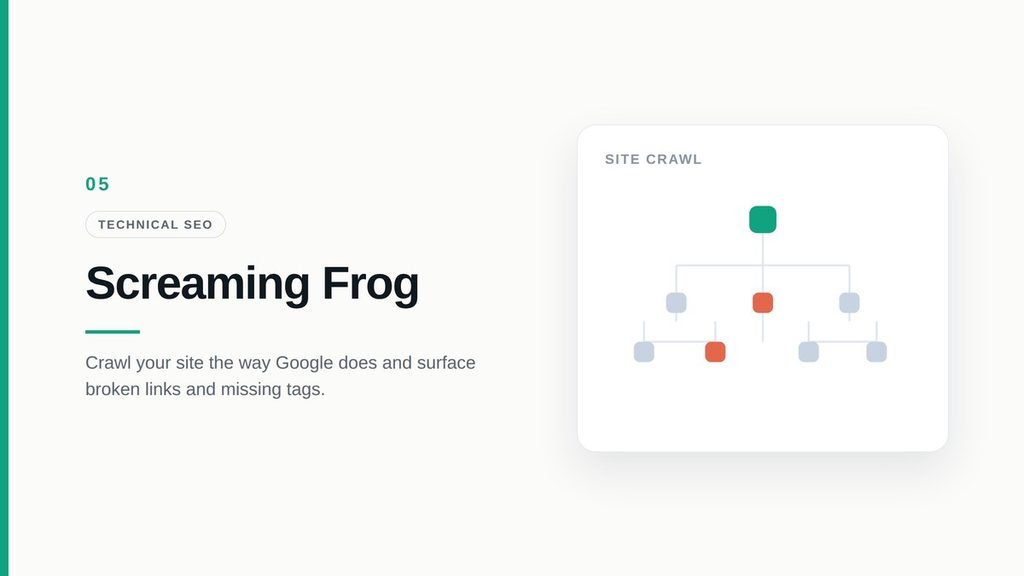
Screaming Frog crawls your website the way Google does, and then shows you everything it found. Broken links, redirect chains, missing title tags, duplicate meta descriptions, pages accidentally set to noindex. It’s all there.
The first time you open it, it looks like a giant spreadsheet. That’s because it basically is one. But once you know where to look, it’s one of the most powerful audit tools out there. The free version crawls up to 500 URLs, which covers most small business websites.
Technical problems like these are often the hidden reason a site won’t rank. We explain why in our post on technical SEO.
6. PageSpeed Insights
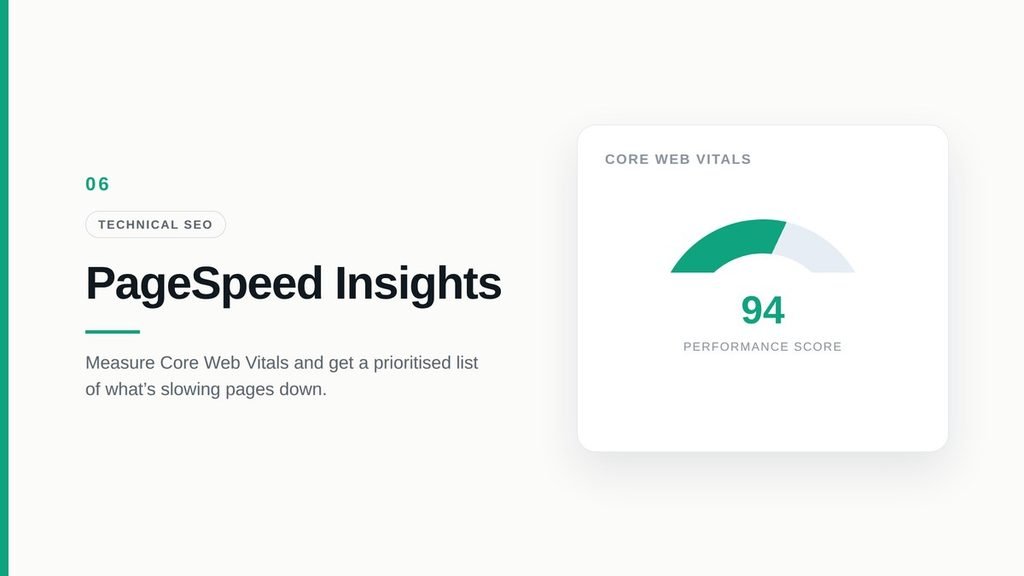
Slow websites lose visitors. It’s that simple. PageSpeed Insights is Google’s free tool for checking how fast your pages load on mobile and desktop.
It also shows your Core Web Vitals, the metrics Google uses to judge real user experience. Don’t obsess over getting a perfect 100 score. Very few sites do. Focus on fixing the issues it flags as most important, like oversized images or scripts that block the page from loading. Those fixes make the biggest difference for real users.
7. Surfer SEO
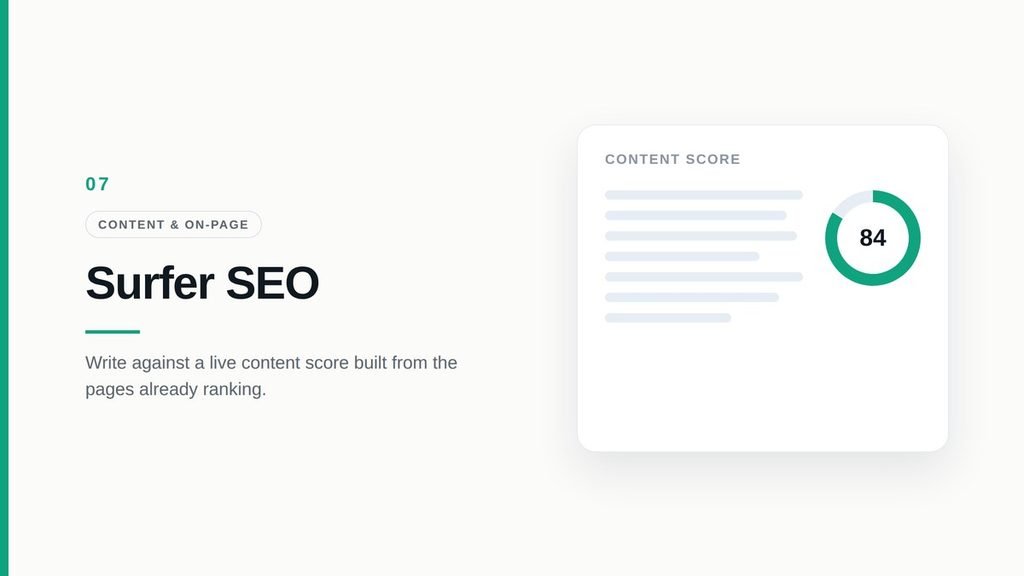
Writing for SEO gets a lot easier when you can see what’s already working. Surfer SEO looks at the pages ranking for your keyword and turns that into practical writing guidance.
Its Content Editor gives you a live score as you write, plus suggestions for related terms, headings, and length. We find it especially helpful for spotting subtopics we’d have missed.
One warning, though. Don’t write just to hit a perfect score. We’ve seen people cram in awkward keywords to reach 100, and the article ends up reading like a robot wrote it. Use the score as a guide, not a goal.
8. Rank Math
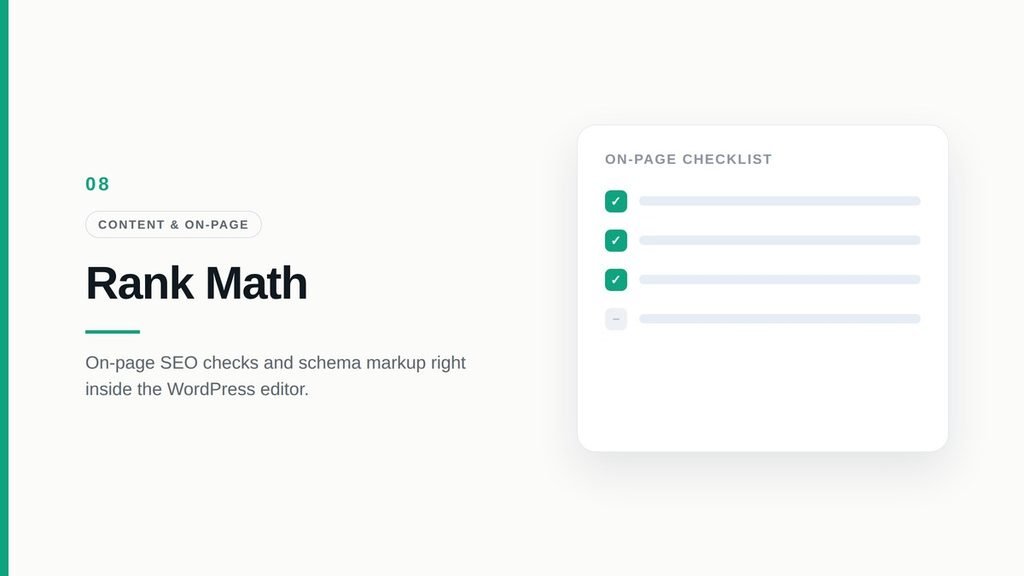
If your site runs on WordPress, Rank Math is one of the easiest ways to handle on-page SEO without touching code.
It checks your content inside the WordPress editor and reminds you of the basics: focus keyword in the title, a proper meta description, internal links, image alt text. It also makes adding schema markup, like FAQ schema, a matter of a few clicks. Most of what a typical site needs is available in the free version.
9. Ahrefs
Ahrefs earned its reputation through backlink data, and that’s still where it shines. Put any website into Site Explorer and you can see who links to it, which pages attract the most links, and where its search traffic comes from.
We use it most for competitor research. When a competitor outranks a client, Ahrefs usually shows us why within a few minutes. Maybe they have stronger backlinks, maybe they cover the topic in more depth, or maybe they’re targeting keywords we hadn’t considered.
Like Semrush, it’s a premium tool with a premium price. If budget is tight, Ahrefs Webmaster Tools gives you free backlink and audit data for websites you own.
10. Moz Pro
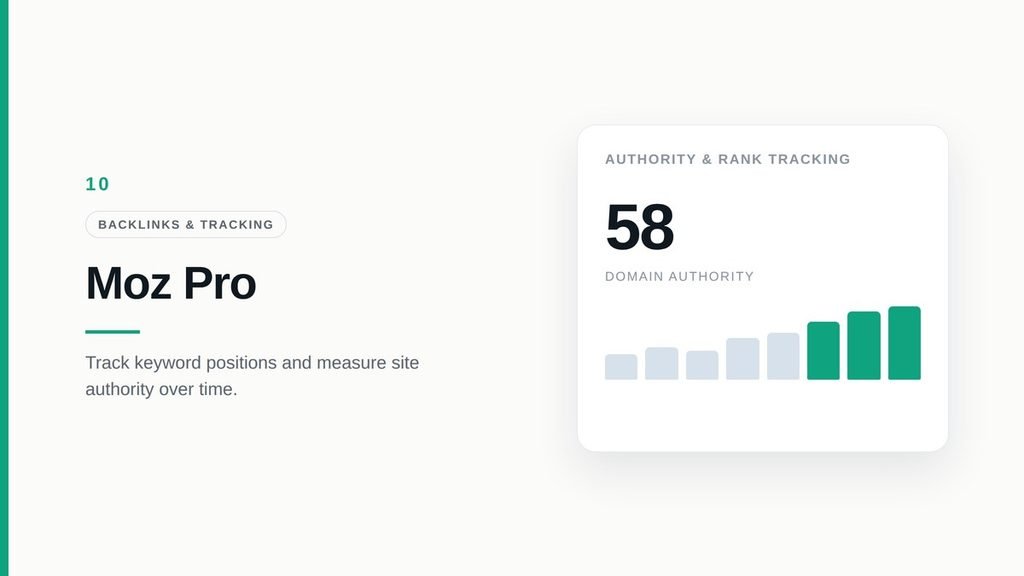
Moz Pro is one of the oldest names in SEO, and many marketers still use its Domain Authority (DA) score to judge how strong a website is. It’s also a clean, beginner-friendly option for tracking rankings and checking backlinks.
Keep in mind that DA is Moz’s own metric, not something Google uses. It’s useful for comparing sites, but don’t treat it as a ranking factor. We also like the free MozBar browser extension for quickly checking the authority of pages while you browse.
So Which Tools Should You Start With?
You don’t need all ten, especially not on day one. Here’s how we’d approach it:
On a zero budget: Start with Google Search Console, Google Analytics 4, Keyword Planner, PageSpeed Insights, and Rank Math. That covers more than most people think.
Ready to invest: Pick one premium platform, either Semrush or Ahrefs. You don’t need both. Semrush feels more complete for keyword research and marketing, while Ahrefs is stronger for backlinks.
Publishing lots of content: Add Surfer SEO to make each article more complete.
Running a big or older website: Crawl it with Screaming Frog every few months.
Honestly, the best tool is the one you open regularly. A free tool you check every week will do more for you than an expensive one you forget about.
Tools Are Only Half the Job
Here’s the truth: tools give you data, but data alone doesn’t rank a website. Someone still has to decide which keywords matter, which fixes come first, and how it all connects to your business goals.
That’s the part where a lot of businesses get stuck. If you’d rather have experts handle it, take a look at our SEO services. Or, if you’re a B2B company, our guide on SEO strategies for B2B lead generation is a good next read.
Have questions about your own site? Get in touch with the Holinex team. We’re happy to take a look.
FAQs
What are the most essential SEO tools?
For most websites, the essentials are Google Search Console, Google Analytics 4, one keyword research tool like Semrush or Ahrefs, and a technical audit tool like Screaming Frog.
Can I do SEO using only free tools?
Yes, especially for a small website. Google Search Console, GA4, Keyword Planner, PageSpeed Insights, and Rank Math’s free version cover the basics well.
Semrush or Ahrefs: which one is better?
Both are excellent. Semrush is often stronger for keyword research and all-round marketing features. Ahrefs is known for its backlink data. Pick based on what you’ll use most.
Which SEO tool should beginners learn first?
Google Search Console. It’s free, simple once you know where to look, and shows exactly how Google sees your website.
How often should I check my SEO tools?
A quick look at Search Console and Analytics once a week is enough for most sites. Run a full technical audit every few months or after major website changes.